← Projects

Kairos

Job applications, filled for you.

Kairos is an automated job application bot I built. Press ⌥J on a job posting and it fills out the application in the background, drafting written answers with a language model and leaving only what needs you for review. Nothing is submitted until you click Submit. It's still a work in progress, and I shared an early prototype on X.
Kairos, Job applications, filled for you.

From a link

On a job posting, ⌥J sends the link to Kairos and it starts filling the application in the background. Written answers are drafted by a language model, either locally with Ollama or via API.
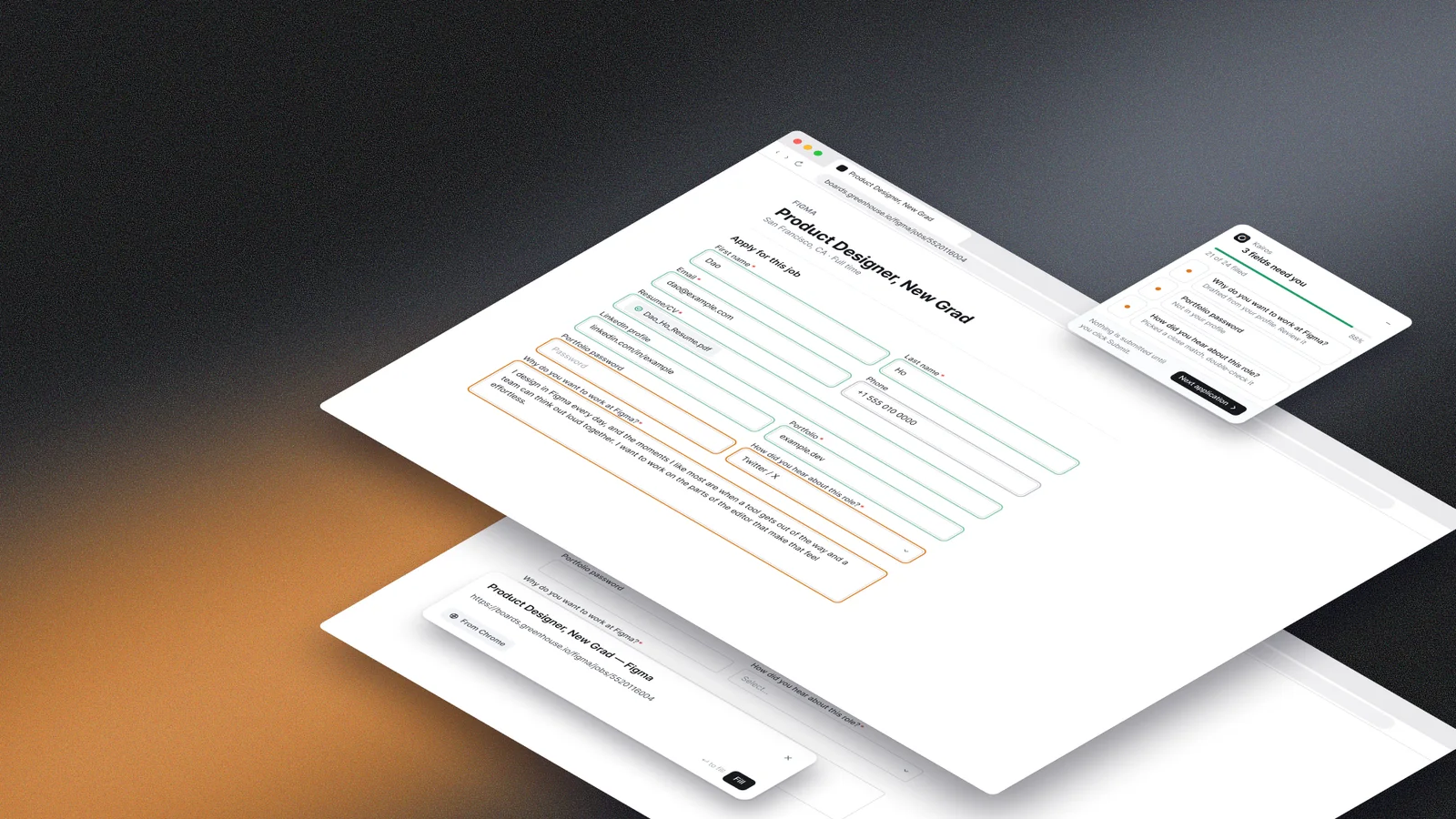
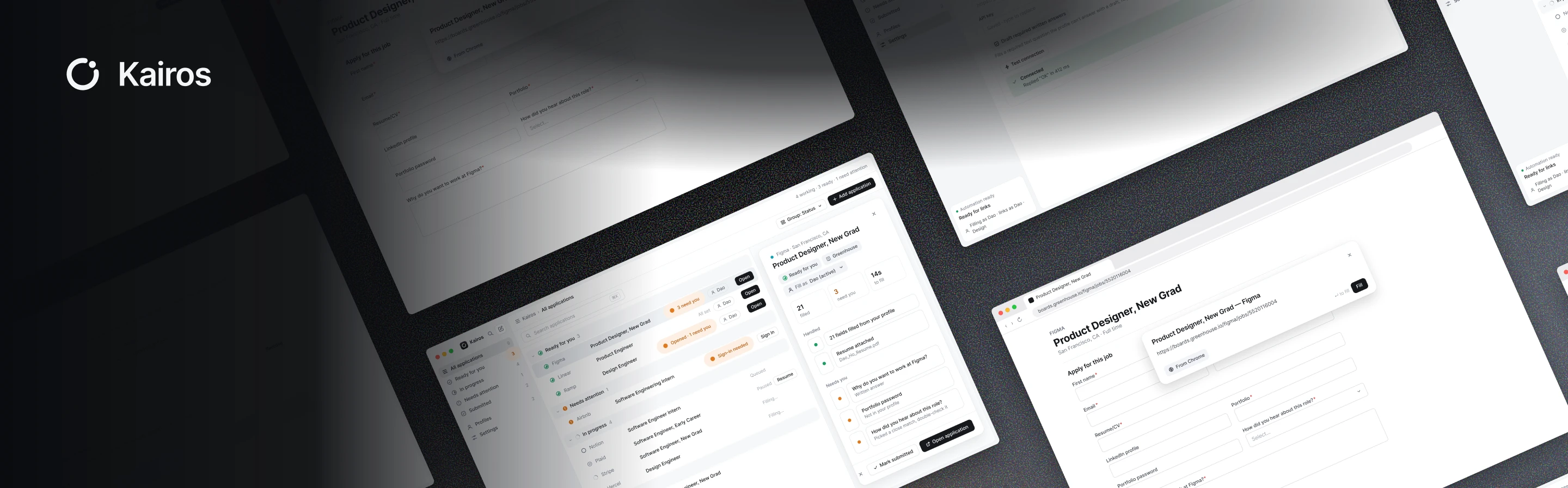
The Figma application form, the Kairos review panel and the link card stacked as tilted layers over a dark gradient
filling
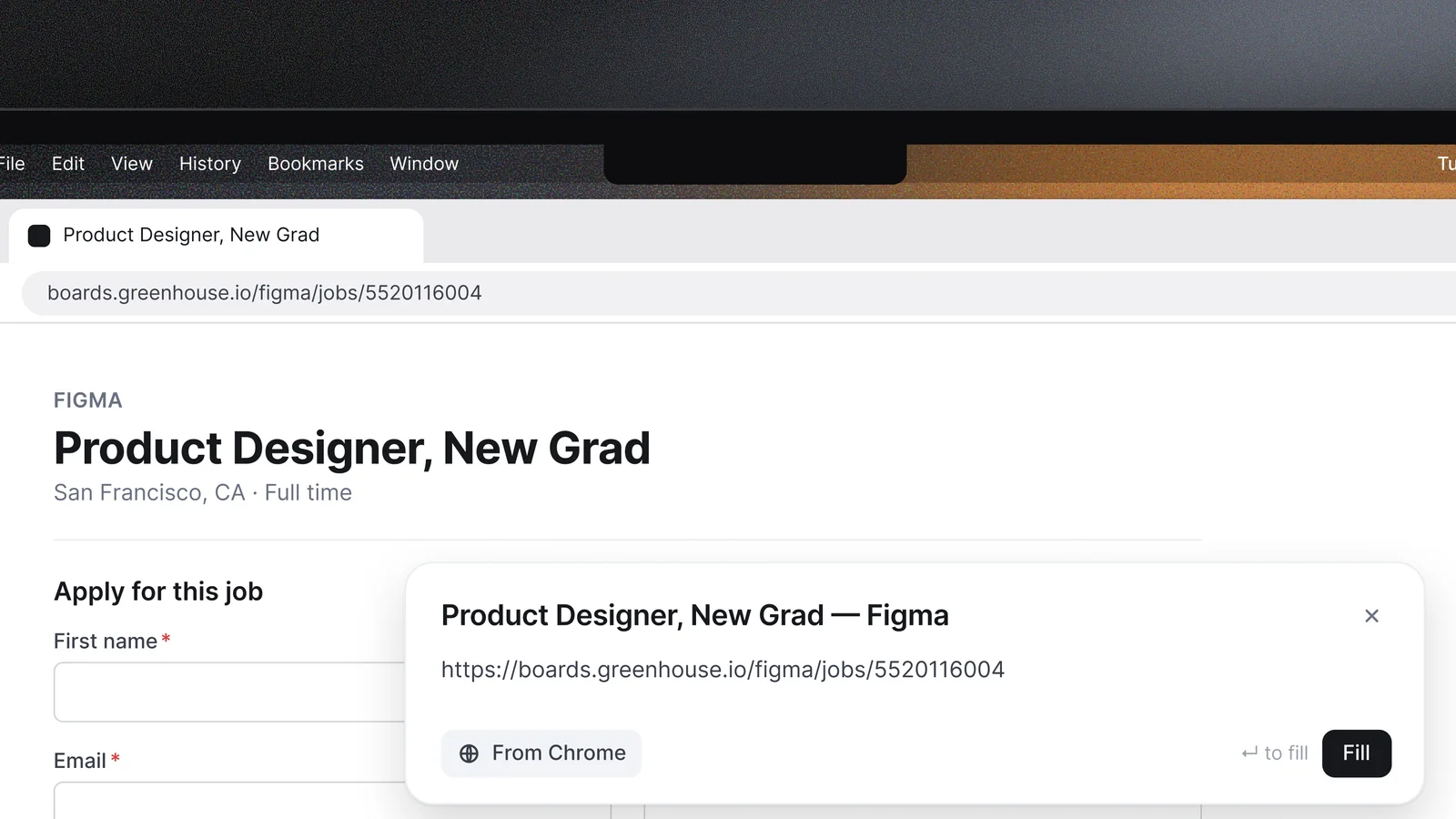
A Greenhouse posting for Product Designer, New Grad at Figma open in Chrome, with a Kairos card showing the job's link and a Fill button
Send a link. ⌥J on a job page pulls the link from Chrome. Press Fill and Kairos takes it from there.
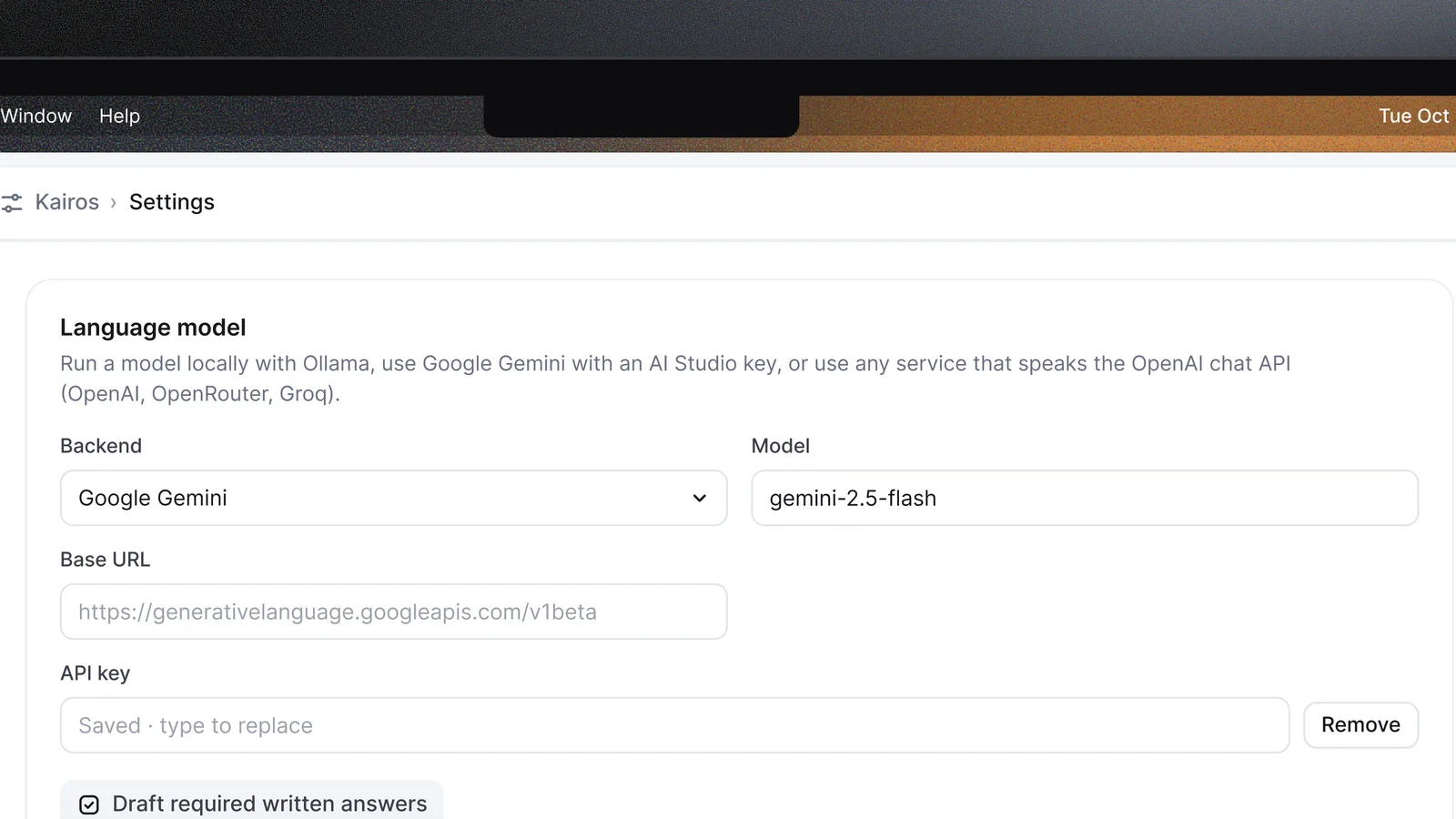
Kairos settings with the language model set to Google Gemini and gemini-2.5-flash, an API key field, and a Draft required written answers checkbox
Language model. Choose what drafts the written answers, a local model with Ollama or one via API.

Only what needs you

Kairos only asks for what it can't fill. The review panel sits on the page with the fields left for you, and nothing is submitted until you click Submit.
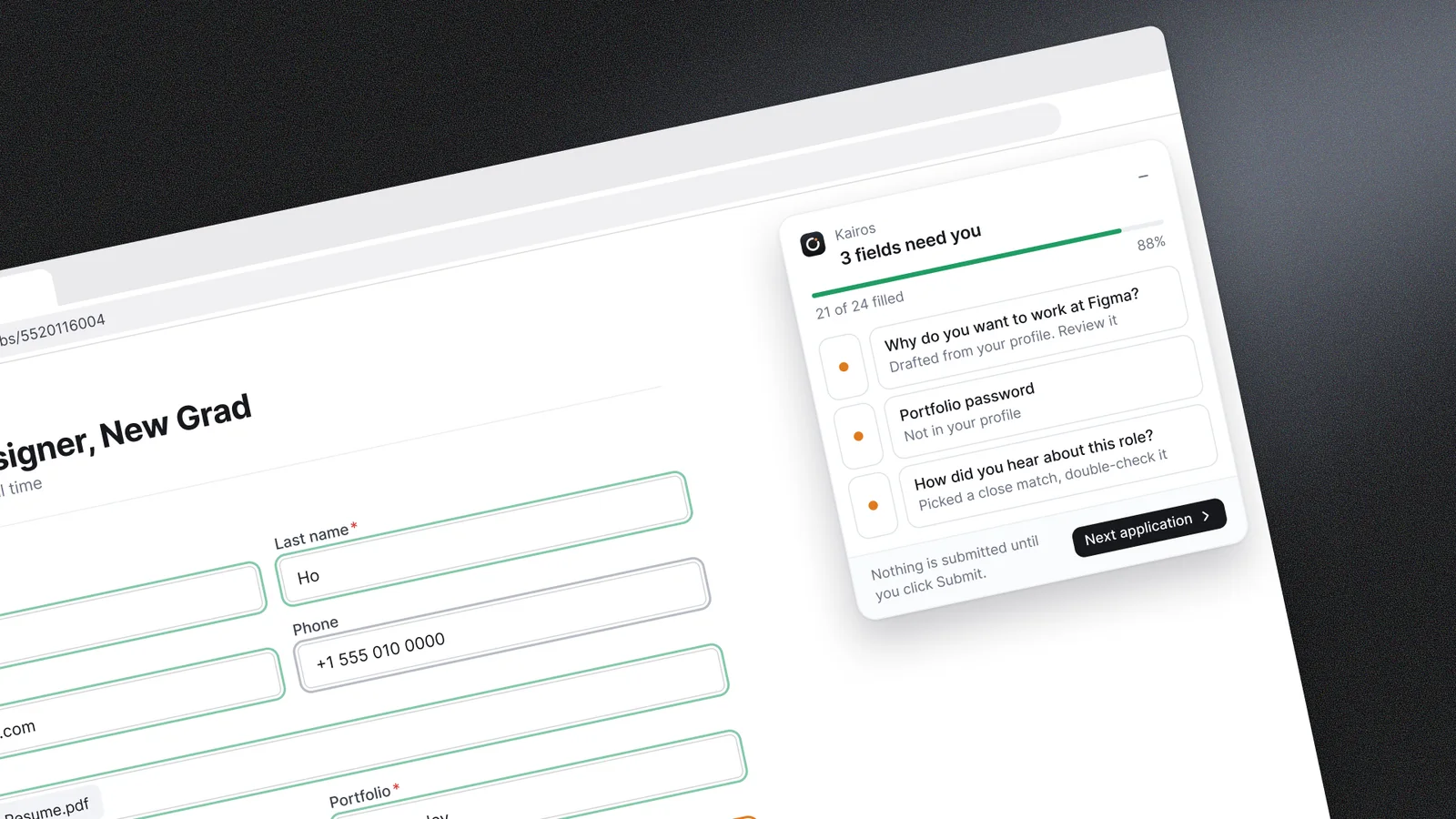
A close, tilted crop of the Kairos review panel listing 3 fields that need you, next to the filled Figma form

Review, then next

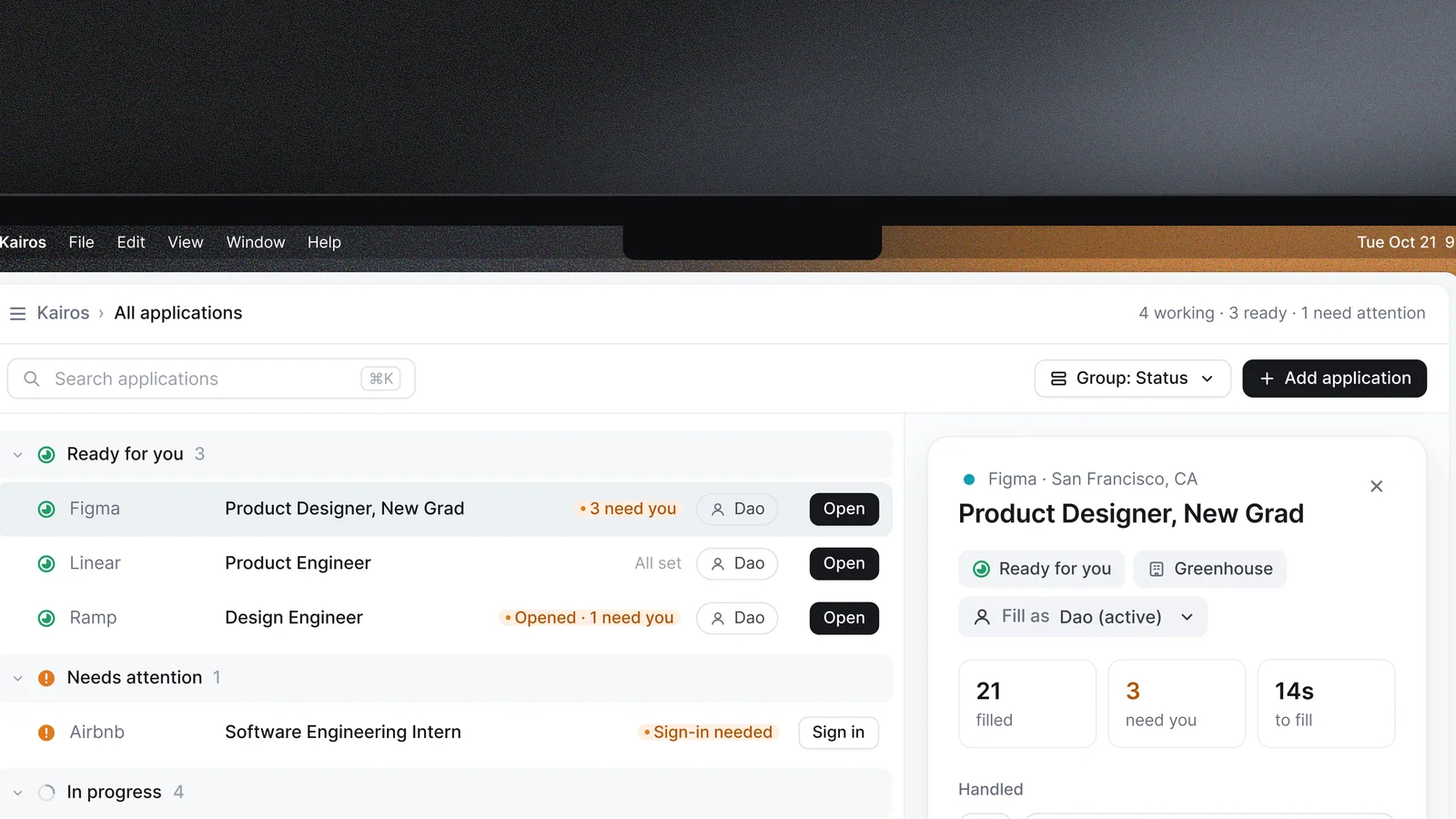
Applications are grouped by whether they're ready, need attention or are still in progress. Once one is submitted, the next is ready to open.
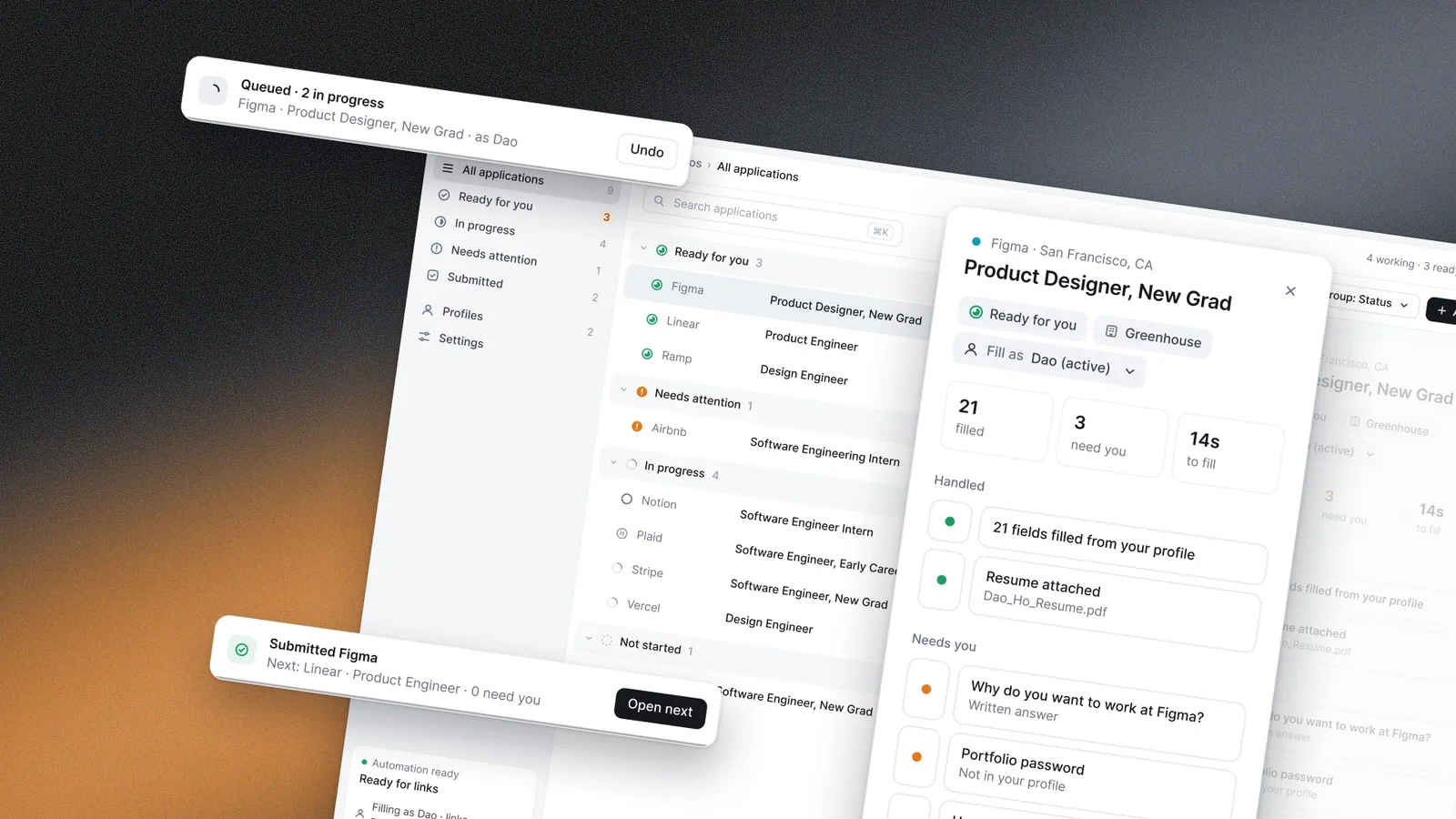
The Kairos application drawer for Figma lifted at an angle over the applications list, with Queued and Submitted Figma toasts beside it
reviewing
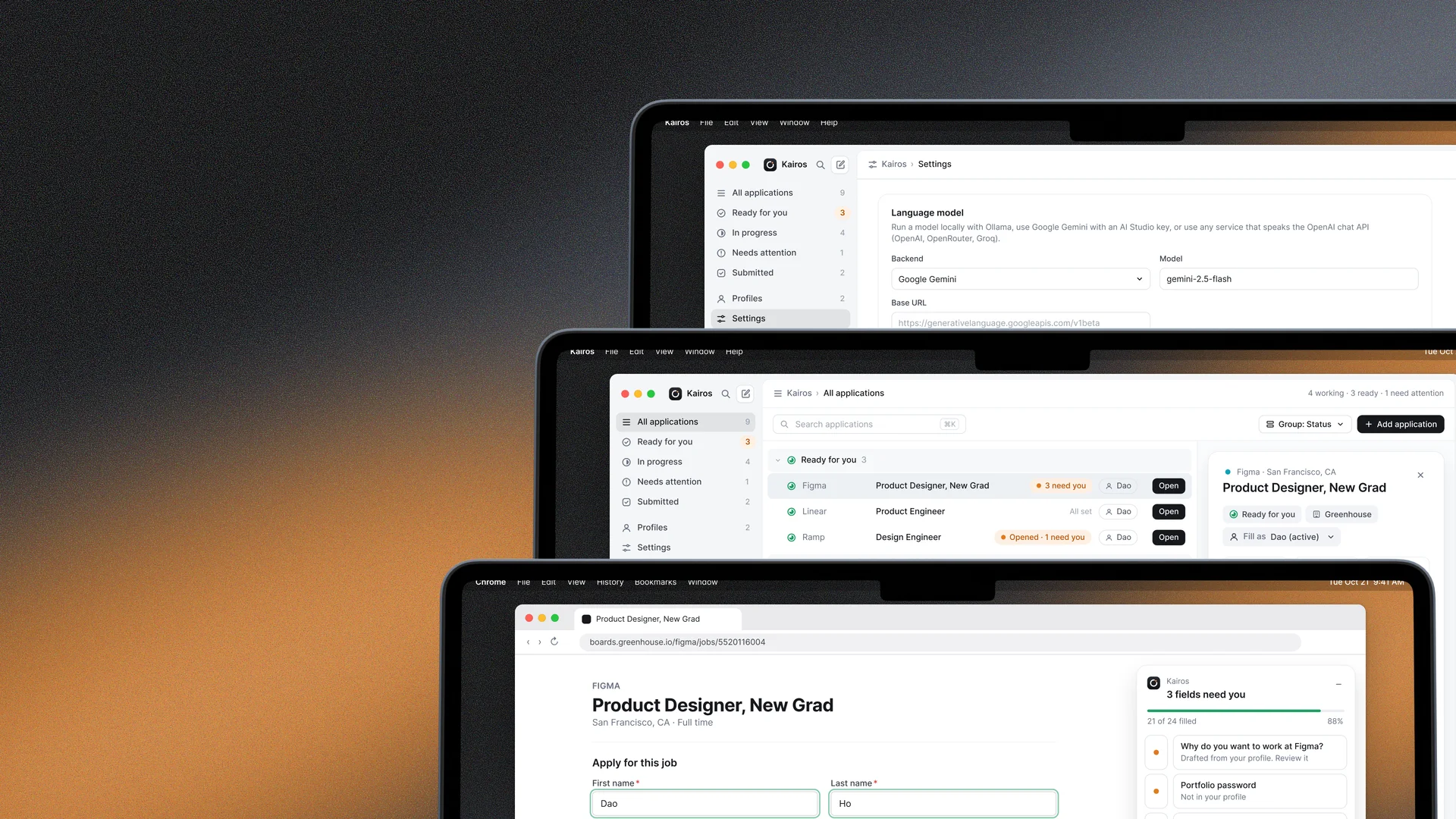
The Kairos app listing applications under Ready for you, Needs attention and In progress, with a panel for Figma showing 21 fields filled, 3 that need you and 14 seconds to fill
All applications. Every application by status, with how much was filled and what still needs you.
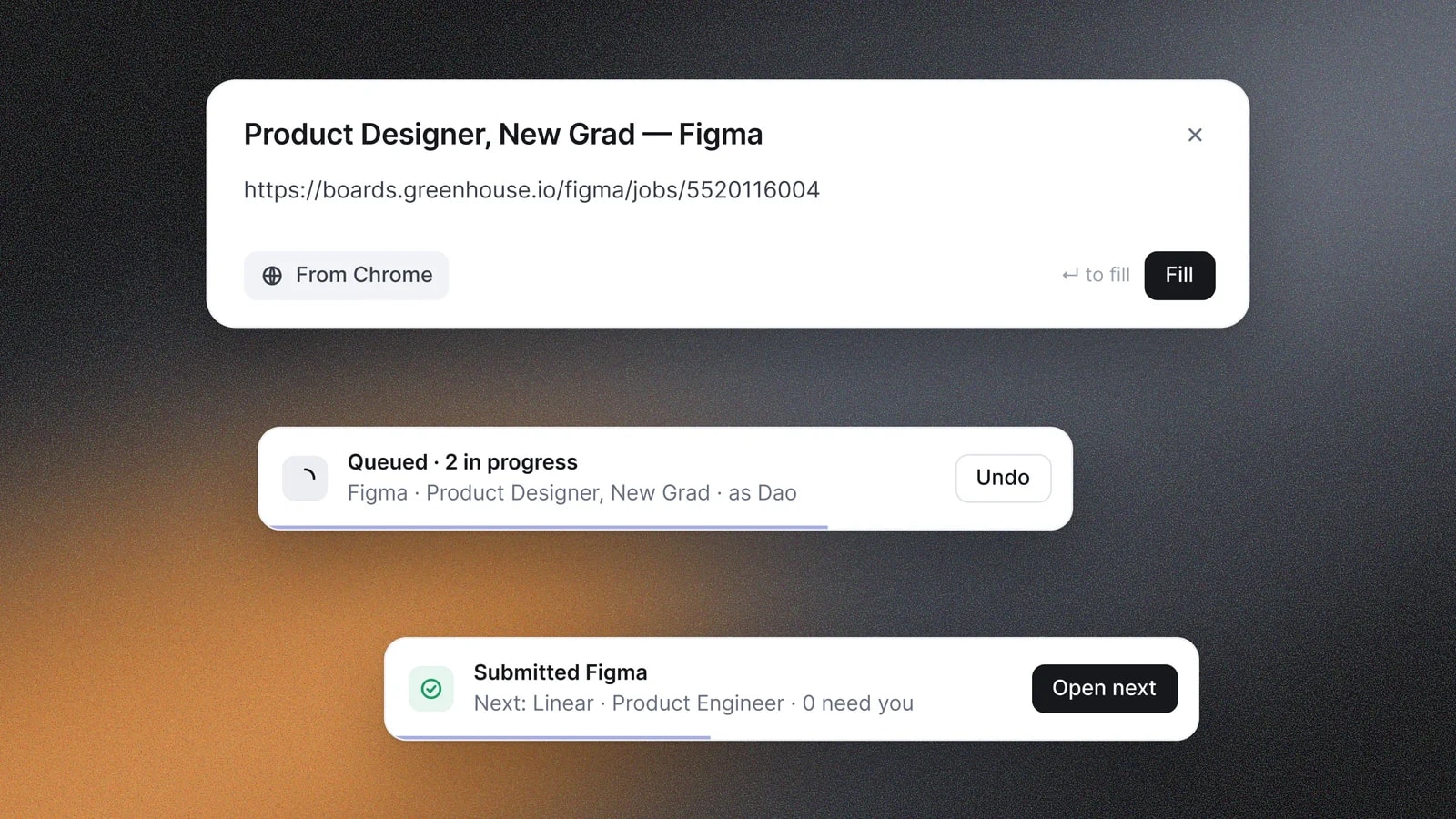
A Kairos link card above a Queued toast for the Figma application and a Submitted Figma toast with a button to open the next one, at Linear
Queue and next. Queue one, keep going, and open the next application once the last is submitted.