Dynami
The Dynamic Island, for developers.
Dynami lives in your Mac's notch and keeps the things that need your attention within reach while you work, from agent permission prompts and pull request activity to the next meeting on your calendar.
Waiting on other people
On a team that ships quickly, much of the day is spent waiting on other people, whether for a review, an approval, or a second look at changes you thought were finished. I found myself refreshing GitHub to see whether anything had moved, and Dynami began as a way to let that information come to me instead.
Pull requests in the notch
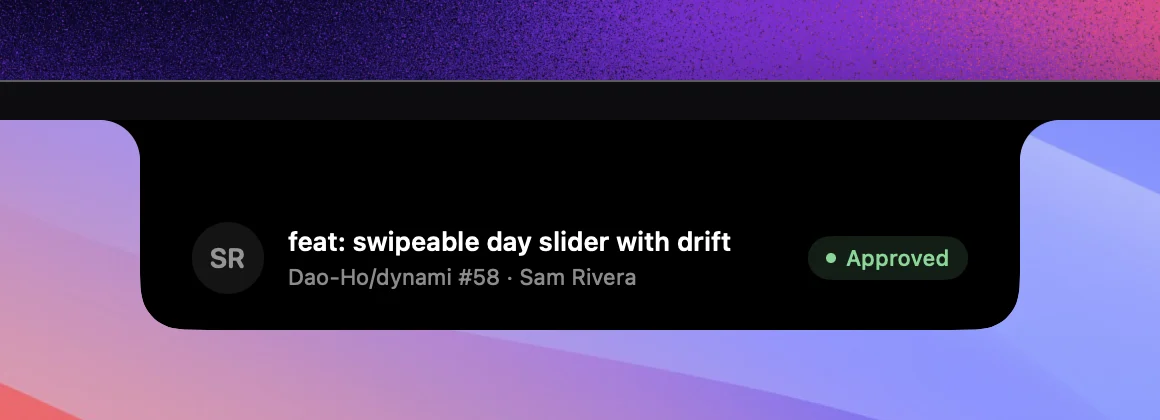
The first version, which I shared on X, was deliberately narrow. It watched my pull requests and, whenever one was approved, received requested changes, or needed my review, expanded the notch to show the title, repository, and status.
Deploys, from a reply
Later that day, one of the replies to that post came from Neesh, who asked for Vercel deployments going live or failing after a commit. The request was a no brainer, since once code is pushed, whether it deployed is usually the question that matters most. I shipped deployment tracking two days later, and a failed preview build now appears in the notch before I would think to check for it.
A small workspace
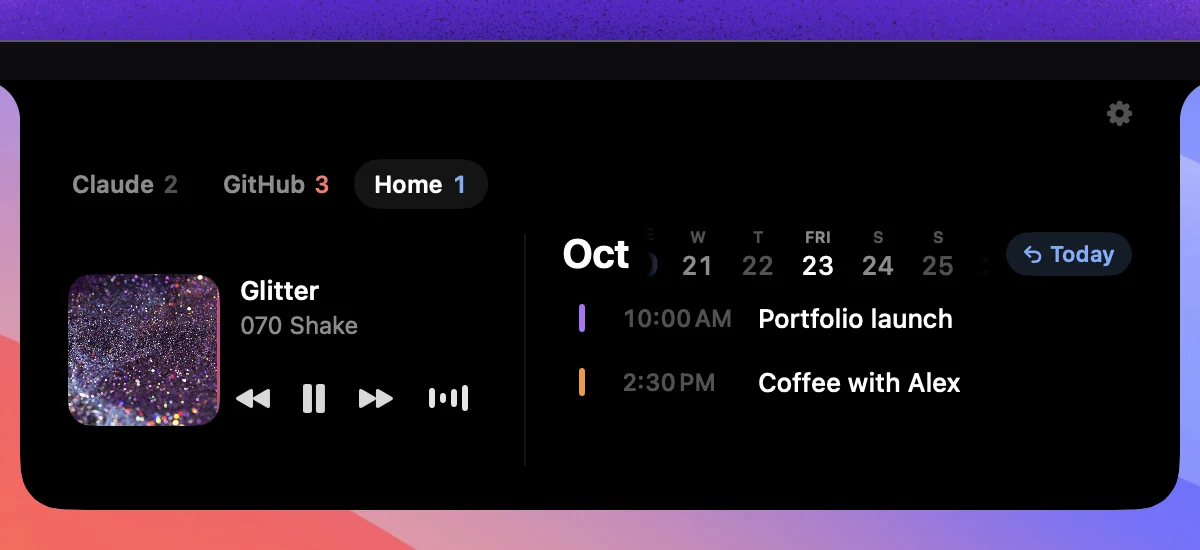
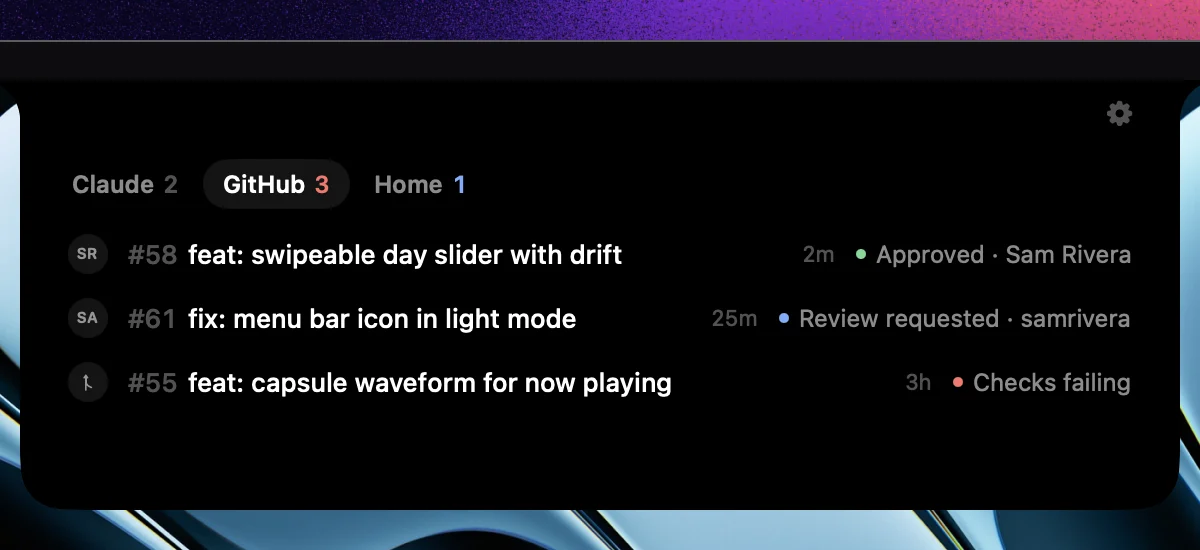
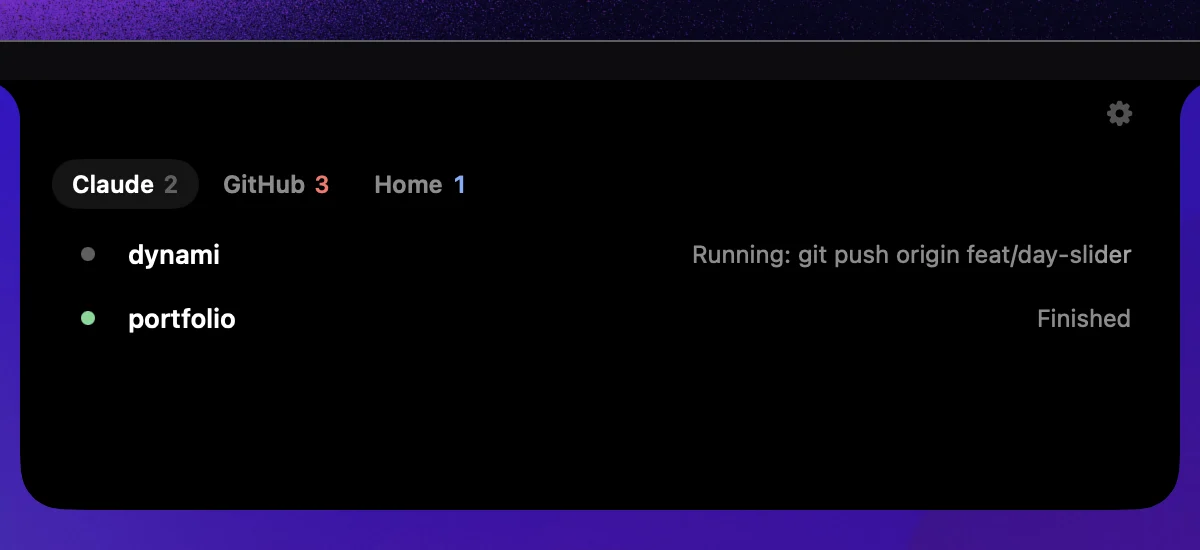
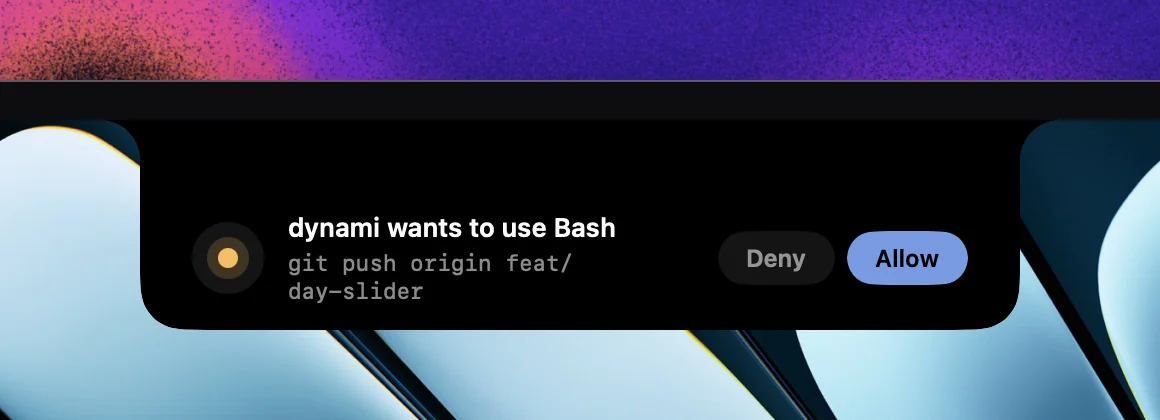
Since then, Dynami has grown from a notification into a small workspace. Coding agents such as Claude pause to request permission before running commands, so that prompt now appears in the notch, where I can approve or deny it without leaving the editor. GitHub has a dedicated tab, and Home holds my calendar and what's currently playing.
Permission prompt. Deny or Allow here answers Claude Code directly.

Home. What's playing next to the calendar, with a day slider and a Today button.